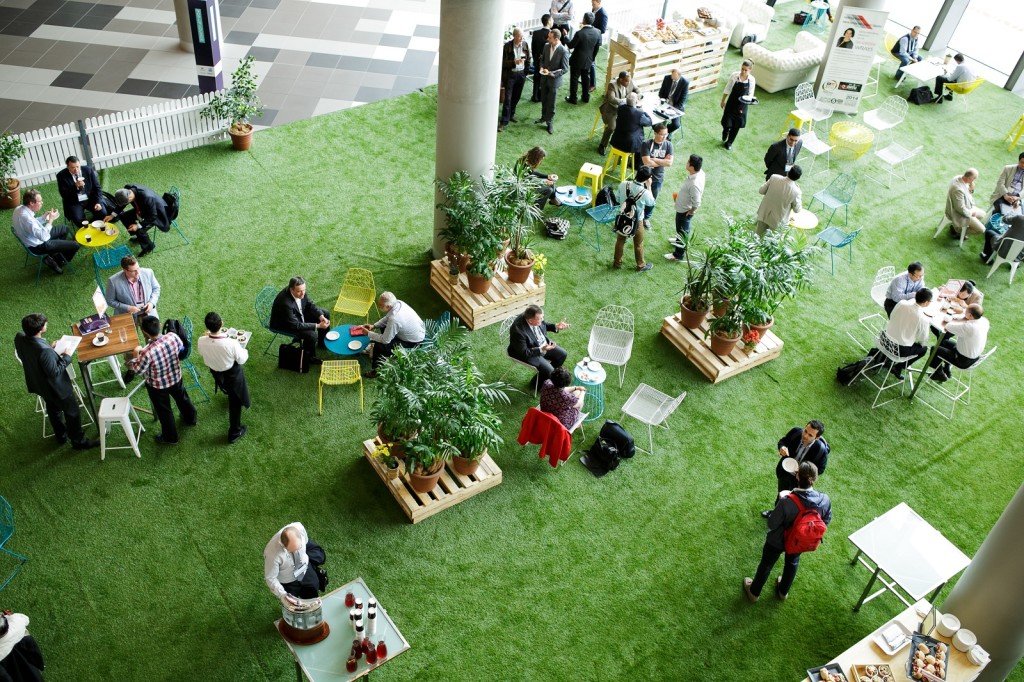
Tips on working with an event photographer

Tips on working with an event photographer

An investment in great photos just keeps on giving.

Photography that successfully tells the story—and captures the emotions of an event—pays dividends for years on end, in everything from printed collateral to social media to future promotions and presentations.

But good images come from more than just a photographer’s artistic eye, technical skill, and instinct for human behavior. Good images require preparation as well.

These eight tips will help you get the best results from your event photographer.

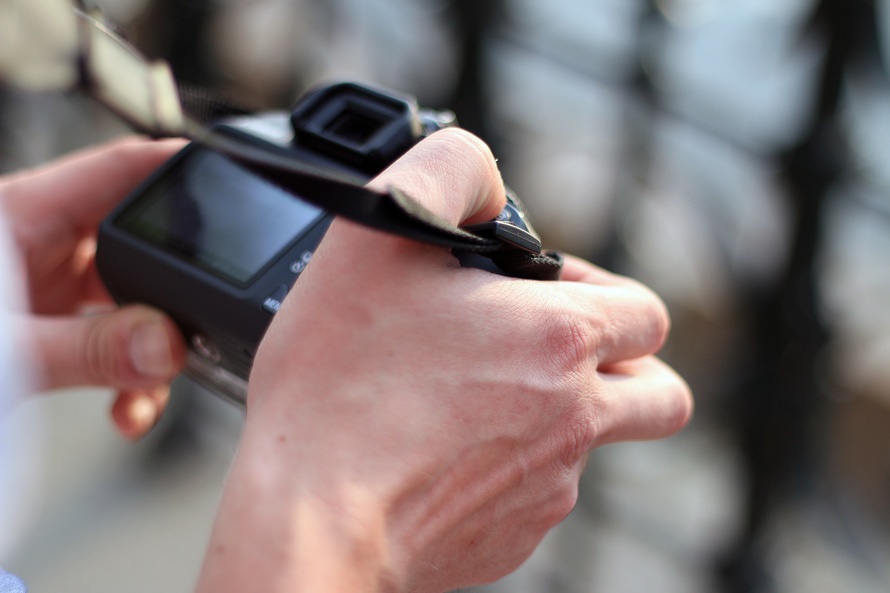
man-hands-photographer-cameras-large

Find the right fit

After you’ve studied a photographer’s portfolio and like the style, it’s time to see if you “mesh.” Even the most casual conversation can give you a feel for whether he or she can become a good, if temporary, extension of your team.

There is real value in hiring someone you and your attendees will feel comfortable with— and the results will show in the end product.

A good event photographer needs to be a good listener, assertive enough to ask good questions and seek out great moments, friendly enough to coax genuine smiles, and calm and confident enough to be a positive force in a group of people.

Spell out your needs

Every event is unique, and stating your specific needs up front will yield the best results. Discuss the intent and purpose of the images. Photographers, being visual animals, often like to imagine the “story” of your event, how it unfolds in print, a Facebook gallery, or a YouTube video of still images. A good photographer can discuss all the options and their requisite needs.

If the primary use will be Web and video, the photographer will want to shoot mostly horizontal content. But if your particular print materials require lots of vertical images, let him or her know. Are there specific shots you really need? Want? Want to avoid? Make a list.
pexels-photo-large

Plan ahead for overlap

You can’t expect your photographer to be in two places at once. If you need a press wall or head shots at the same time you need coverage of a breakout session, tell the photographer well ahead of time. He or she can likely bring in help for those few hours.

Relying on your chosen photographer to assemble the team will yield better results than if you bring in an unknown quantity. After all, this person must be willing to work in concert with the lead photographer, and to take direction on where to be, when to be there, and what to shoot.

With the exception of using a videographer or second shooter for overlapping events, stick to one lead photographer. Dueling photographers scrapping it out for prime position at key moments won’t produce good results.

Show your support

Once onsite, give the photographer a walk-through of the event locations, following the agenda. Point out any changes to the agenda and offer an initial (even if brief) introduction to the CEO, VIPs, and speakers. It will give the photographer a sense of their personalities, body languages, and gestures.

In fact, an introduction promotes a more comfortable shooting experience for both sides. Onstage, for instance, the speaker will see the photographer not as some stranger buzzing about with a camera, but as a friendly face and part of the team.

The 3 New Rules of Event Technology

The 3 New Rules of Event Technology

During the first era of event tech innovation – the late 1990s and early 2000s – the events industry saw massive improvements in specialized, computer-based software for event management/planning and hotel/venue management. During this era, we also saw the first online event software applications for things like event registration/ticketing and event marketing.

So what makes this new era in event technology innovation so different? And why should you care?

Here are 5 critical things you should to keep in mind as you evaluate event tech tools.

Simplicity and easy-of-use 

  • Big benefits – Shorter learning curves; faster adaption of technology by all team members
  • Potential drawbacks – None, really


Now, event pros simply don’t have time to read manuals and spend hours and hours in training sessions to learn how to use software applications. We are used to the ease and simplicity of smartphone apps. We are accustomed to user interfaces that are intuitive and self-explanatory (thanks to Apple). And we want to put new event technologies into practice immediately so we can start seeing the benefits now.

(Almost) everything is online

  • Big benefits – Automatic software updates; no software installation or maintenance on your computer/server; automated data backups
  • Potential drawbacks – Limited or no access to data if you aren’t connected to the Internet

With online software you may not be able to access your data if you aren’t connected to the Internet; however, high-speed access is better and more ubiquitous than ever. And, yes, if your data is in the cloud, there is always the possibility of it being compromised by a hacking attack.

But you have the same risk with your data installed on your Internet-connected computer. So all these things pretty much cancel each other out.

apple-iphone-smartphone-desk-large

Data and software access across all devices

  • Big benefits – Anywhere, anytime data access; data portability
  • Potential drawbacks – Screen size limitations on smartphones; limited functionality for certain applications

10 years ago, smart phones were still glamorized cell phones. 5 years ago, smart phones and tablets gave us cool apps and games plus mostly reliable on-the-go Internet. Today, smart phones and tablets give us anytime access to lots of data wherever we are.

Event software companies are taking two paths when it comes to making their applications and data available on tablets and smartphones:

  1. Native app versions of their software for Apple and Android devices; or
  2. Mobile Web browser versions of their software that you can access through the Web browser on your smartphone/tablet.

And both options are viable because of the advances in mobile Web browsers to load and display data.

What trends are you seeing in event technology and event management software? Provide your feedback in the comments below.

How to prepare for these 4 common speaker hiccups

How to prepare for these 4 common speaker hiccups

No matter how ready you think you are, rest assured at your next meeting or conference, there will be a few blips along the way. Here are four common speaker-related challenges that can pop up just when you think it’s smooth sailing—and here’s how to be ready for them:

iphone-speech-conference-cell-phone-large

The presentation pitfall

Yes, sometimes, laptops fail, and it is a heart-stopping moment for all, particularly the A/V guy. Obviously rehearsals help curtail problems, but when speakers are especially high-level, often they can’t spare the time. For those guests, it’s best to have their presentations loaded onto two laptops (at least), cued up and ready to go in the A/V booth so an almost seamless switch can be made should a major issue arise.

The see-you-later speaker

You’ve allotted 45 minutes for the conference’s opening speaker to share her wisdom.  Unexpectedly, she wraps her speech up in 20 (including Q & A) and is off to her next command performance. Great for her schedule, but not so great for yours. How to manage a workaround?

To start, expect big names, especially those who are speaking gratis, to be on the brief side. Not ideal, but it does happen more than we’d like to admit, so don’t be taken by surprise.

When building the conference schedule, try putting in a coffee break immediately following the opening speaker so whether they go long or short, it won’t mess up the rest of the day’s schedule. Also let your banquet manager know they may need to be flexible on the break’s start time, should the opening session let out earlier than planned.

nature-laptop-outside-macbook-large

The forgetful speaker

It always amusing to see what speakers will forget to bring along for their conference sessions—things like laptops, handouts, their actual presentations (!) and any number of items directly related to why they’ve been invited to speak in the first place.

How to prepare? Start by remaining calm, especially when the speaker is on the verge of a meltdown, and:

  • Have extra, backup laptops on-site and immediately available, preferably PC and Mac
  • Make sure you’ve boosted the storage capacity of your Dropbox account so you can quickly deal with large file shares (PowerPoint presentations can be enormous, you know).
  • Spare thumb drives to swap files when Wi-Fi is dicey
  • Fast access to a printer for the handouts the assistant forgot to send, FedEx didn’t deliver, or their dog ate. Ideally, a printer in the conference workroom is best, particularly when the hotel’s business center is an eight-ballroom sprint away.

The clumsy keynote

A dollop of marinara sauce or cup of coffee spilled on the speaker’s white shirt moments before taking the stage is the stuff of nightmares – and they happen all the time.

Here are the basics of how to get a stain out, or at least tamp it down ‘til they can get to the dry cleaners:

  • Blot, don’t scrub – scrubbing damages fabric fibers and drives the stain further in
  • Put hot water on grease stains – to help dissolve it
  • Put cold water on a wet stain – or any spot that contains water (like fruit juice)
  • Lighten up on club soda – no need to hose guests down with club soda – it’s not a miracle cure – water is almost as effective, so no need to break out the Perrier.
9 Ways For A More Sustainable Event

9 Ways For A More Sustainable Event

There are many reasons why running an event using sustainable event principles is good for business.

Many of our clients choose to have their event produced, managed and implemented through sustainable event principles because it reinforces the key messages of their event, and/or demonstrates their vision and commitment to sustainability. Other clients are happy to have their event produced through sustainable event principles because it helps them save resources and this reflects well on their business!

Below are 9 simple ways to create a more sustainable event while keeping your guests happy. While it is important to take a whole event approach – it may not be possible to do everything.  You could start with a single initiative and work from there.

Engineers_Australia_Image_1

1. USE NATURAL FEATURES OF THE VENUE

Give guests plenty of opportunity to get outside to enjoy the fresh air and sunlight by requesting rooms with opening windows for ventilation and natural lighting. This will help guests breathe easier and see better. If your venue has an outdoor area make the most of it by holding breaks outside.

2. PROMOTE PUBLIC TRANSPORT

Provide guests with public transport options such as train timetabling, bus route and bicycle parking facilities. Where public transport is not accessible, arrange shuttle buses to and from the event or promote car sharing.

3. REDUCE UNNECESSARY ENERGY USE

Appoint a staff member to take responsibility for eliminating unnecessary lighting, power and equipment use. Switch equipment off at the power point after use.

4. CONSERVE WATER

Prioritise venues that demonstrate a commitment to water conservation by installing water saving devices.

5. REDUCE WASTE

Do not provide disposable material such as disposable cutlery, plates, containers or cups.

Instead, provide reusable crockery, serving platters, glasses and cutlery. Depending on the formality of the event, invite attendees to bring their own cups or water bottles.

6. BE WASTE WISE

Ensure that recycling and compost bins are accessible and clearly sign-posted. Ensure guests and vendors limit disposable waste and give preference to recycled and recyclable packaging.

pexels-photo-110472-large

7. PROVIDE SUSTAINABLE FOOD AND BEVERAGE

Choose local, seasonal and organic produce or work with a caterer/venue who is committed to sustainable event practices..

8. COMMUNICATION

Attempt to not provide show bags or copious amounts of printed material. Always question if the printing of brochures and pamphlets is necessary. When printing is necessary use vegetable based inks and post-consumer recycled content paper. Furthermore, consider whether your engagement activities can be done online as this will reduce the need for printed event materials, contributing further to a green event management approach.

9. SHARE YOUR SUCCESS

Inform your guests and attendees of your commitment to sustainability in your written and verbal communications. This might be as simple as including a page on your event website that outlines your sustainable event initiatives, or informing guests verbally on the day of your event. Another good idea is to clearly label food and beverage that is organic, local or fair-trade.


Do you have other sustainable event ideas to contribute? Write a comment below!

Gi.A.V.A. – Giornata di Aggiornamento sulla Ventilazione Artificiale – Chieti, Auditorium del Rettorato, 18 Novembre 2016

Gi.A.V.A. – Giornata di Aggiornamento sulla Ventilazione Artificiale – Chieti, Auditorium del Rettorato, 18 Novembre 2016

Il progressivo aumento delle malattie dell’apparato respiratorio e il continuo progresso tecnologico pongono la medicina moderna di fronte ad una sfida cruciale. La ventilazione artificiale è tra le tecniche che negli ultimi anni più ha beneficiato di innovazioni che offrono nuove possibilità di approccio diagnostico e terapeutico dell’insufficienza respiratoria. Il percorso formativo del Medico che utilizza la ventilazione artificiale non può quindi prescindere da una integrazione tra l’approfondita conoscenza dei processi eziologici e fisiopatologici alla base delle patologie respiratorie e la capacità di sfruttare appieno le potenzialità che la tecnologia mette oggi a disposizione per una gestione ottimale dell’insufficienza respiratoria. Con questi presupposti, la Giornata di Aggiornamento sulla Ventilazione Artificiale (GIAVA) si propone come occasione di aggiornamento sulle tematiche più importanti della ventilazione meccanica. Grazie al contributo di relatori qualificati, tutti
riconosciuti esperti a livello nazionale ed internazionale, verranno approfonditi in particolare gli argomenti che recentemente sono stati più dibattuti o hanno ricevuto più attenzione da parte della comunità scientifica. La GIAVA vuole inoltre essere un momento di confronto tra i Medici e gli Operatori che in Abruzzo ed in Italia Centrale compiono la loro quotidiana attività professionale per porsi in maniera sempre più efficace ed efficiente al servizio del paziente. La GIAVA è rivolta a tutto il personale sanitario coinvolto nell’utilizzo della ventilazione in ogni contesto, come Anestesisti-Rianimatori, Pneumologi, Sanitari della Medicina e Chirurgia di Accettazione e di Urgenza, Medici del 118 o di altre Specialità che desiderano approfondire questo argomento. Nella certezza che questo evento incontri le aspettative di tutta la Comunità regionale di Medici interessati alla ventilazione meccanica, aspetto di incontrarvi numerosi a Chieti.

Salvatore Maurizio Maggiore

Presidente del Congresso

ISCRIZIONI A NUMERO CHIUSO: RISERVATE AI PRIMI 100 ISCRITTI ONLINE!!

7 CREDITI ECM

immagine

online-registration-icon-536